 Becoming a better saleperson
The importance of column names
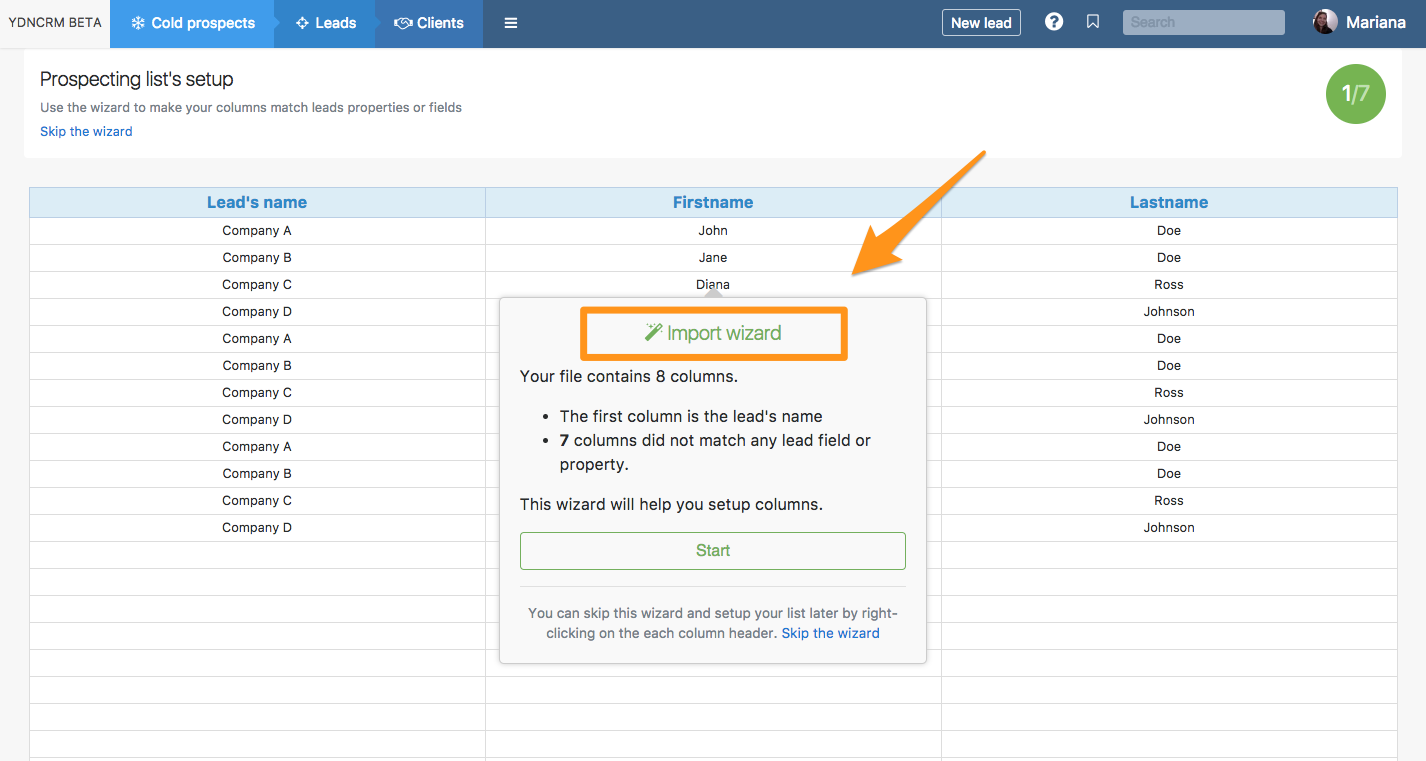
The names of the columns have to be consistent with your predefined fields for export purposes. Thus, when you import an Excel or CSV file or when create a new prospecting list manually, you will be able to pick the name of the columns directly from the wizard, as shown in the image below, to make sure that column names match your default lead structure.
If you often create marketing campaigns, or you need information for reporting purposes, you'll probably require your leads and data to be exportable, and in Excel format. This needs to be as quick and intuitive as possible – especially if you have lots of staff using it.
Consequently, it’s very important that the column names in your prospecting lists are the same as the predefined fields that are defined in the Admin > Default fields. This is because the export is based on those predefined fields; it’s important that they are reflected everywhere so that when you need to export your leads in CSV format, the file is easily readable and usable.