How to add Pro Pipe Lines prospects as new rows in Google Sheets
Whether it’s a sheet your outbound marketing team is working on or simply your own list of contacts being managed on Pro Pipe Lines, add them automatically to your Google Sheets when new prospects are added.
All you need to set it up are Google Sheets, propipelines.com, and Zapier accounts.
If you don’t have an account with propipelines.com, click here to start a FREE trial.
If you don't have an account with Zapier, click here to sign up for a FREE trial.
Get Started
Connect your TRIGGER App Account and Set Up the Trigger
Sign into your Zapier account and click on the MAKE A ZAP! button at the very top where you will be directed to a new page:
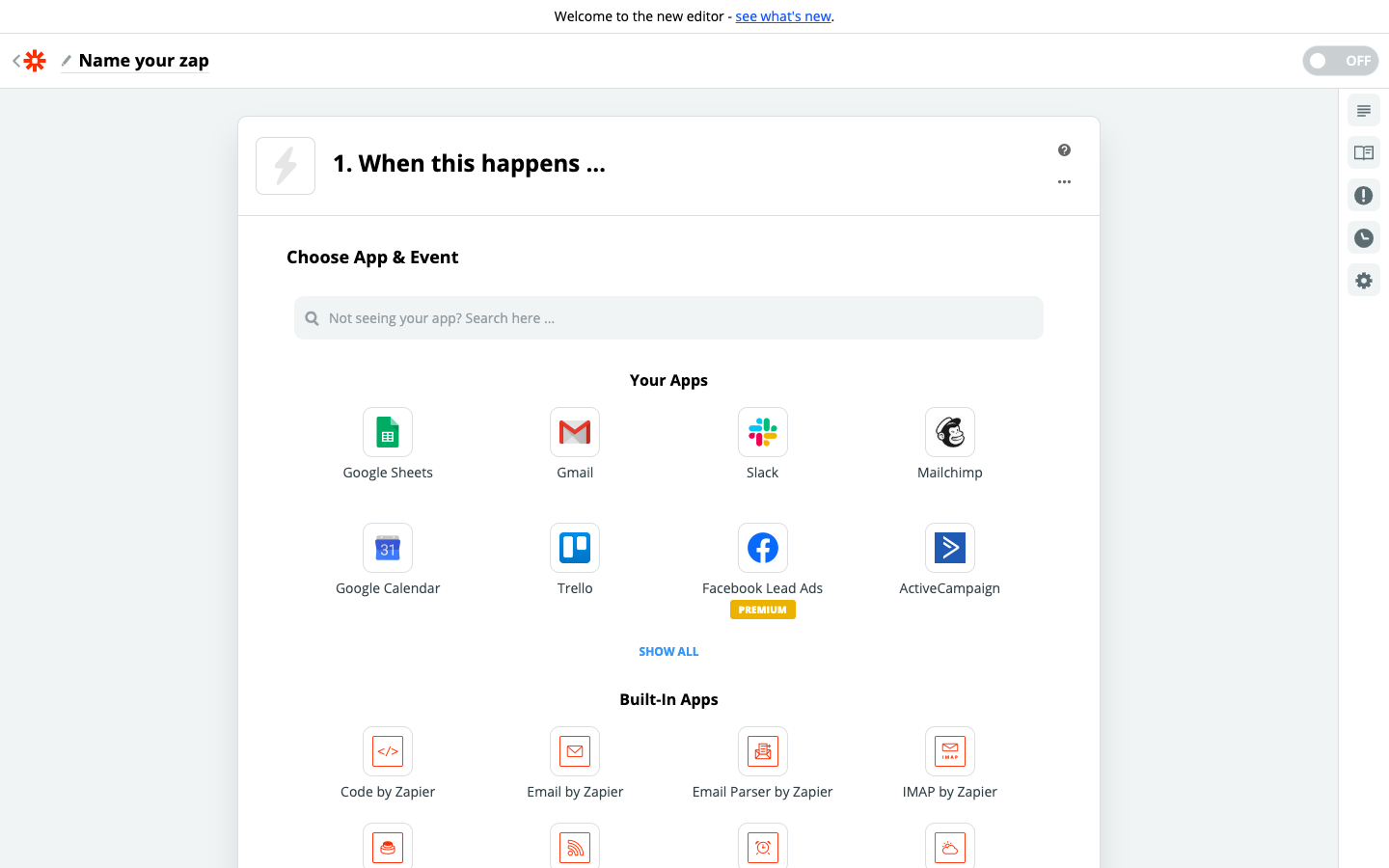
1. Choose the Trigger App: propipelines.com
2. Choose the Trigger: New Prospect Created
3. Connect Zapier to your propipelines.com account if you haven’t already by
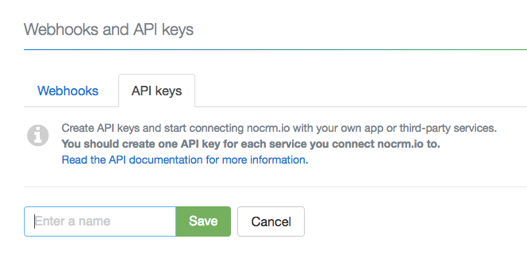
4. Customize Prospect
Select the prospecting list you wish to retrieve new prospects from or leave it empty if you want this zap to be triggered anytime a new prospect is created in any prospecting list.

5. Test this Step and on to the Trigger set up!
Connect your ACTION App Account and Set Up the Action
1. Choose an Action App: Google Sheets
2. Choose an Action: Create Spreadsheet Row
3. Connect Zapier to your Gmail account
4. Set up Google Sheets Spreadsheet Row
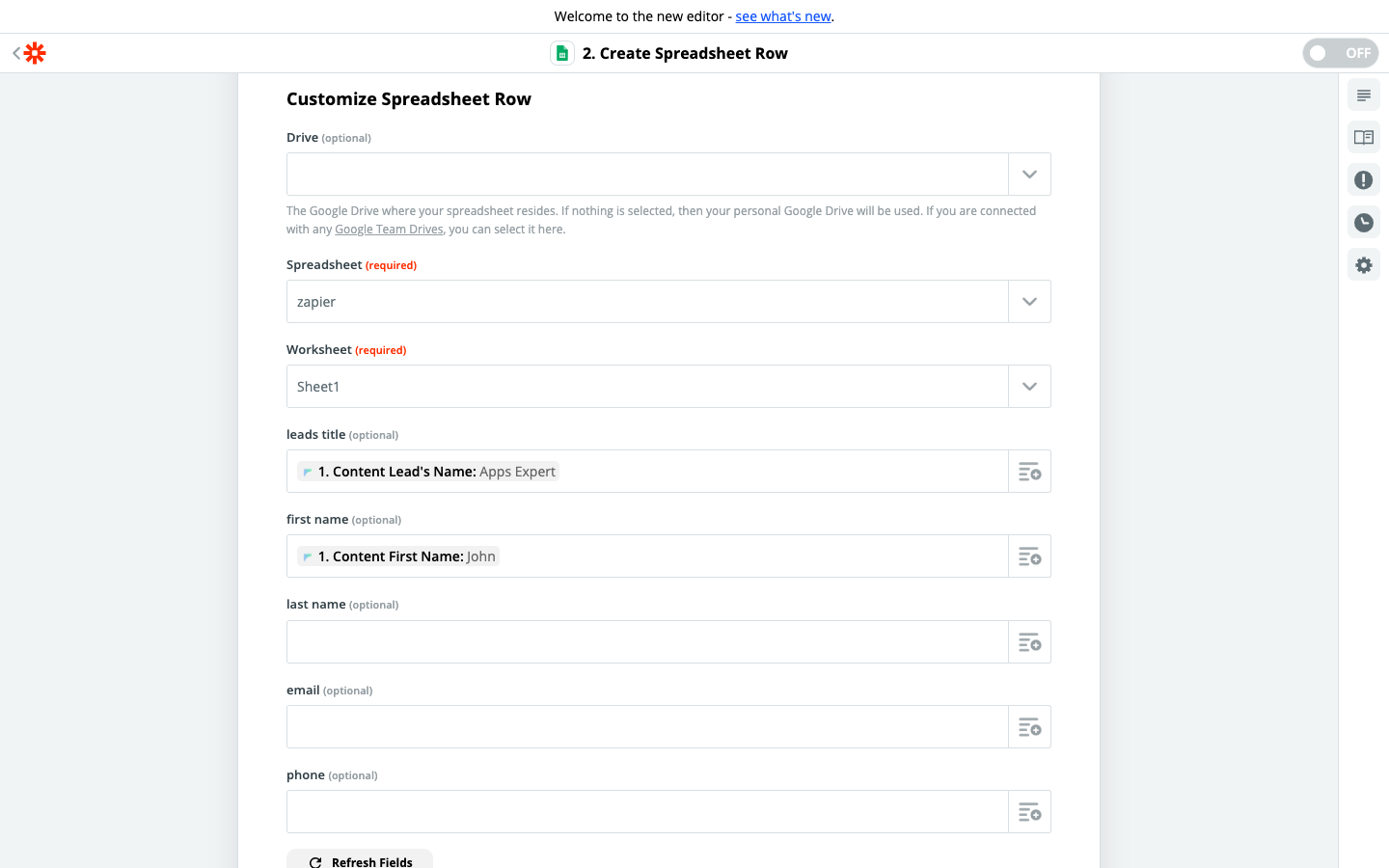 Enter the fields you want to retrieve from your prospects into the corresponding columns in your selected spreadsheet.
Based on the prospecting list you tested earlier, select the fields you want propipelines.com to retrieve information from every time a new prospect is created.
5. Test the step and the Action is set!